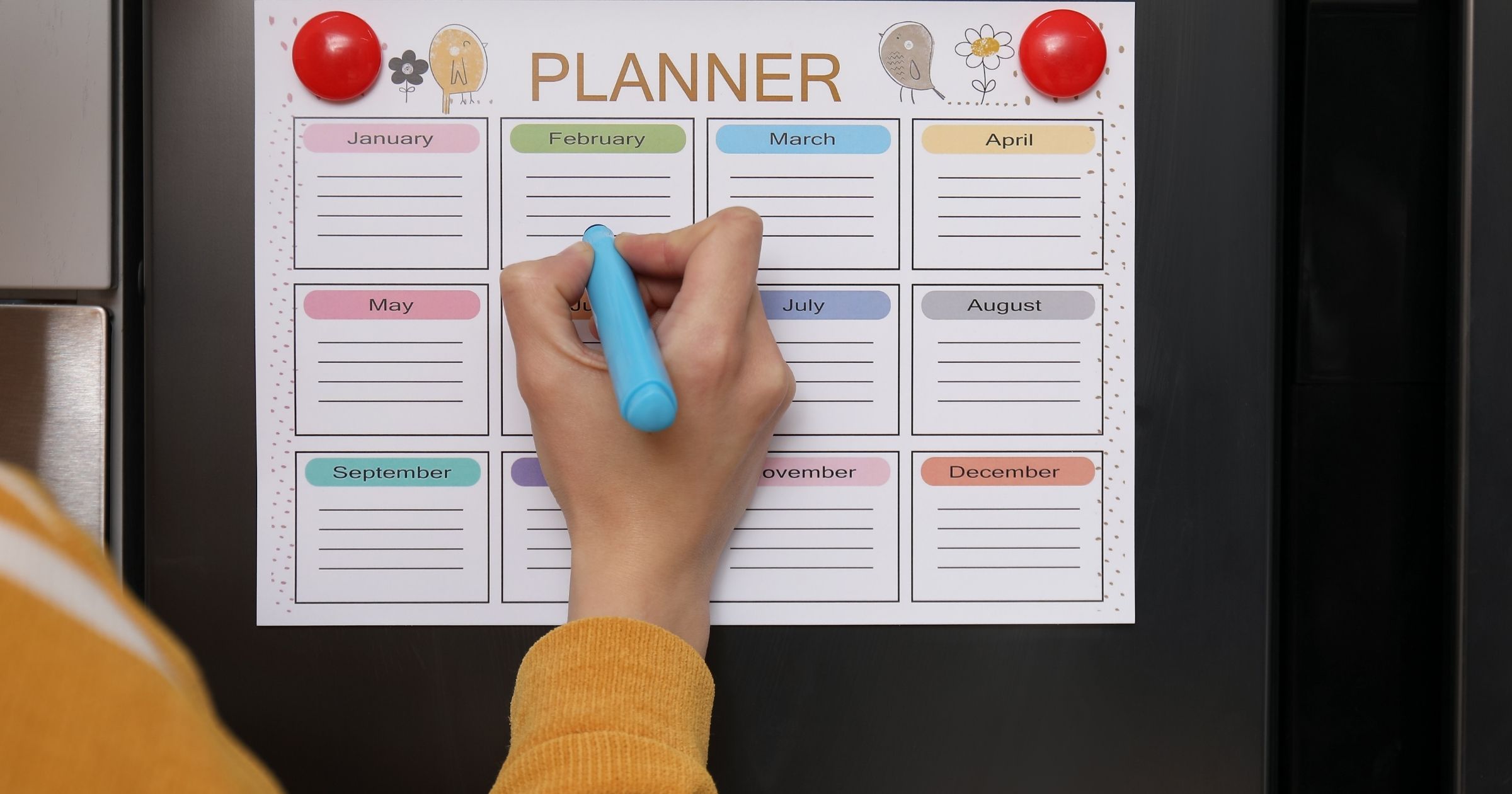
A shared classroom calendar is the simplest way for a room parent to keep every family on the same page all year. Here is how to set one up, what to put on it, and how to get parents to actually use it.
Being the room parent is a real job. You are lining up party helpers, filling field trip chaperone spots, reminding families about picture day, and keeping a whole class list in the loop. When all of that lives in scattered emails and a group text nobody scrolls back through, things slip. A shared classroom calendar puts every date in one spot that families can check anytime. Here is exactly how to make it work.
What a shared classroom calendar does
Instead of sending a fresh email every time something comes up, you build one calendar for the class and share the link once. Every family adds it to the calendar app already on their phone. From then on, every party, field trip, and volunteer day shows up right next to their own appointments. When a date changes, you edit it once and everyone sees the update. No new email, no confusion about which version is right.
Set it up in about ten minutes
- Create your class calendar in Capacitly and give it a clear name like Mrs. Smith Grade 3.
- Add the dates you already know from the school calendar and the teacher, even if a few details are still loose.
- Copy your share link.
- Send the link out with your first class newsletter or welcome email.
That is the whole setup. Families tap the link, the calendar lands on their phone, and you are done chasing people down for the rest of the year.
What to put on your classroom calendar
The more useful the calendar is, the more families check it. Good things to add:
- Class parties for Christmas, Valentine's Day, and the last week of school
- Teacher Appreciation Week and any gift or card collections you are gathering
- Field trips and the chaperone slots you need filled
- Picture day and retake day
- Book fair week and any shifts you are covering
- Early release days and days off that trip up drop off
- Spirit days, pajama day, and the hundredth day of school
- Volunteer signups with the date and exactly what you need
Seeing the whole year laid out helps families plan ahead and say yes to helping before a spot fills or a date sneaks up on them.
Why families actually open it
Most tools flop because they ask too much. This one asks almost nothing.
- No app to download and no account to create
- Works on iPhone and Android, so it does not matter what anyone carries
- Events land in the calendar they already check every day
- Updates show up on their own in real time
When there is nothing to install and nothing to learn, parents pay attention. You reach far more of the class than a buried email ever could.
Ditch the group text scramble
Picture the Christmas party moving to a new day. You send an email, half the class misses it, and you spend the next three days answering the same question over and over. With a shared calendar you change the date once and it updates on every family's phone automatically. That is the difference between managing a class and repeating yourself all year.
Split the work with a co-room parent
You do not have to carry the class alone. If another parent helps out and also uses Capacitly, add them as a collaborator. One of you can own party planning while the other keeps volunteer signups straight, or you can trade off by month. You are both looking at the same live calendar, so nothing gets double booked and nothing slips when one of you is out of town.
Simple habits that keep it running
- Add a date the moment the teacher gives it to you, then fill in the details later
- Write plain titles like Fall Party or Chaperones Needed so anyone gets it at a glance
- Open volunteer signups early, because busy families say yes when you give them time
- Glance at the week every Sunday and send a friendly nudge if a spot is still open
A few minutes here and there keeps the whole class running smoothly and keeps you from ever playing catch up.
Frequently asked questions
Do parents need to download an app? No. You share a link, they tap it, and the class events appear in the calendar app already on their phone.
What if a date changes? Edit it once on your calendar and every family sees the new version right away. You never have to send a correction email.
Can more than one parent manage the calendar? Yes. Add a co-room parent as a collaborator and split the work however you like.
How far ahead should I add events? As soon as you know them, even months out. Early notice gives families time to plan and helps volunteer spots fill faster.
Does it work with the calendar we already use? Yes. It works with Apple, Google, and Outlook calendars, so every family can add it on their own phone and nobody gets left out.
Keep the whole class on the same page
A room parent has plenty to do without playing human reminder service. One shared classroom calendar puts every party, field trip, and signup in one place, updates itself when things change, and reaches every family right where they already look. Set it up once and enjoy the rest of the year.
Try Capacitly and keep the whole class on the same page.
Capacitly. Your calendar. Your rules.